

Indoor Security Camera Alerts for Pets Kids and Quiet Hours at Home
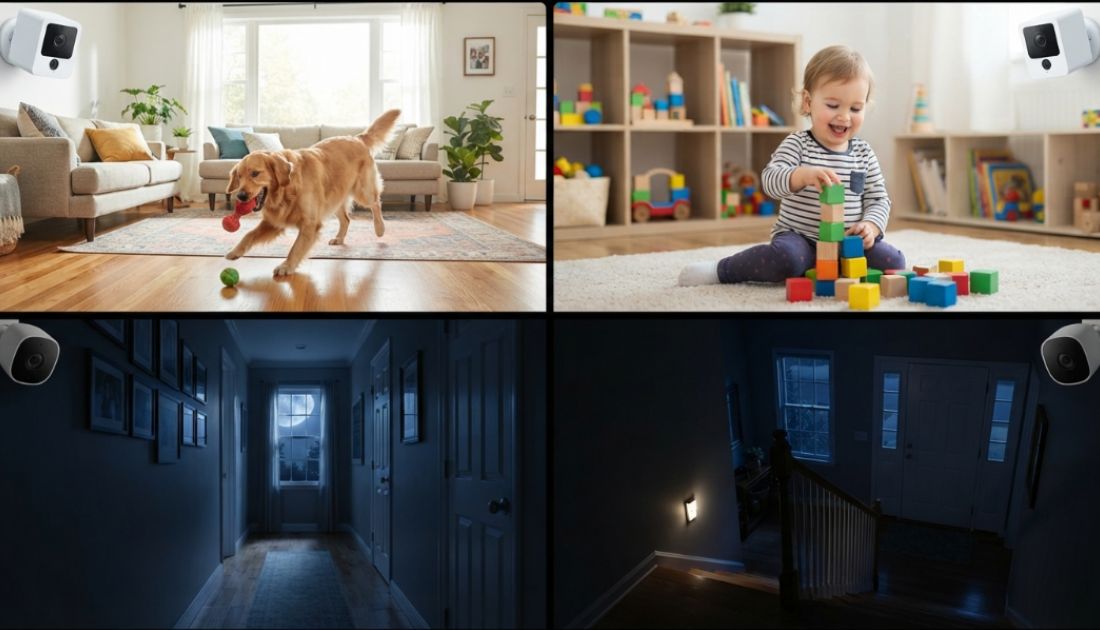
You probably did not buy an indoor security camera because you were worried about missing footage. You wanted a clear heads-up when something out of the ordinary happens: a child walking in after school, a parent moving through the hallway at night, or a dog circling the trash can. The harder part usually shows up after setup, when the app starts buzzing for everyday movement too, like a cat crossing the sofa or a ceiling fan kicking on.
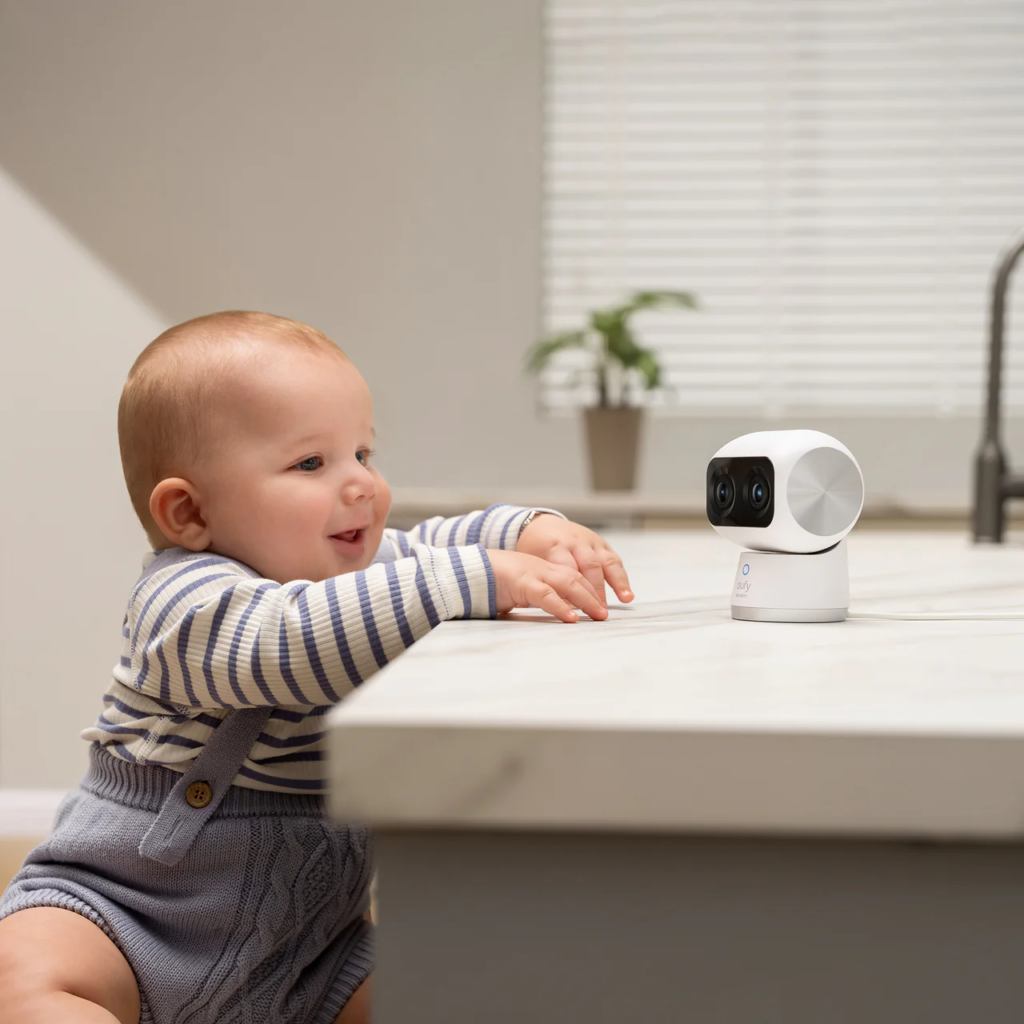
Table of contents
- What most indoor camera guides miss
- Set alert priorities before changing sensitivity
- How to tune alerts for pets, kids, seniors, and quiet hours
- Where home indoor camera placement and privacy zones reduce alert fatigue
- Which eufy indoor camera fits this alert-first setup
- A simple setup checklist
- Conclusion
What most indoor camera guides miss
Most buying guides compare resolution, night vision, pan-and-tilt coverage, and smart home compatibility. Those details help you choose a camera, but they rarely solve the most common post-purchase problem: alerts that become too frequent to trust. The goal is turning the camera into a key-event tool, not an all-day motion detector.
Set alert priorities before changing sensitivity
Many people try to fix noisy notifications by lowering motion sensitivity first. That can help, but it also risks missing exactly the event the camera was bought to catch. A better starting point is ranking which events matter, then building the settings around that order.
Think in three levels:
| Priority | Example event | Recommended alert behavior |
| High | Child arrives home, senior gets up at night, person enters while home is empty | Push notification on |
| Medium | Pet enters kitchen, dog approaches trash can, hallway movement during work hours | Push notification at selected times; use person or pet detection when available |
| Low | Pet crosses living room, family member walks past TV, routine movement during dinner | Record if useful; keep notifications off |
How to tune alerts for pets, kids, seniors, and quiet hours
The strongest indoor setup uses different rules for different spaces. A pet zone, entryway, hallway, and bedroom doorway should not share the same alert settings.
Pets
Pet alerts work best when the camera watches a behavior zone, not the entire room. Aim toward the crate, feeding station, trash can, or kitchen entrance, and draw a smaller activity zone around those spots. Use pet detection or pet tracking where the camera supports it, and keep general motion alerts off during active hours, switching them on for unusual times: overnight, while you are away, or during a work call.
Kids
With kids, three situations tend to drive the alerts: getting home, going to bed, and wandering somewhere they should not. A hallway or entryway camera can cover all three without putting a lens on a bedroom. Person detection helps here too, since broad motion settings often pick up pets moving through the same frame. After bedtime, tighten the zone to the hallway door or the top of the stairs. You are not trying to monitor every step. You just want to know when movement shows up at a time that does not fit the routine.
Seniors
Focus on shared spaces and movement paths such as the kitchen entrance, hallway, and living room rather than private rooms. Discuss placement and alert rules with the person being monitored when possible. Nighttime hallway movement is often the most useful signal; daytime kitchen activity is usually routine. If the camera supports sound or crying detection, keep expectations realistic: those features add context but are not a fall detector or medical alert system.
| Scenario | Better alert rule |
| Hallway movement overnight | Person or motion alert during quiet hours |
| Kitchen activity during the day | Record only; no push alert |
| Shared living room check-in | Manual live view when needed |
| Bedroom or bathroom | Avoid camera placement |
Quiet hours
Quiet hours should not silence everything overnight. Keep alerts active for entryways, hallways, nursery doorways, and senior-care paths. Turn off the general living room and pet-roaming alerts. Use person, pet, or crying detection instead of all-motion alerts where supported. Enable a cooldown period if your app supports it to prevent repeated movement from stacking into chains of alerts.
Where home indoor camera placement and privacy zones reduce alert fatigue
Activity zones help the camera focus on the parts of the frame that matter. A large zone across the whole room often behaves like broad motion detection. A smaller zone around a doorway, hallway path, crate, or trash can give the camera a clearer job. Google Nest’s Activity Zone guidance makes the same point: smaller, more precise zones tend to produce more accurate alerts.
Placement reinforces the work that zones do:
- Point the camera across a doorway or path, not at a window or TV.
- Keep ceiling fans, sunlit curtains, and busy background areas out of alert zones.
- Use shared spaces for family alerts; avoid bedrooms and bathrooms.
- Use Privacy Mode as part of a daily routine rather than a rarely touched setting. On the Indoor Cam S350, enabling Privacy Mode physically rotates the lens to face a wall and stops recording. Indoor Cam E30 also supports Privacy Mode.
Which eufy indoor camera fits this alert-first setup
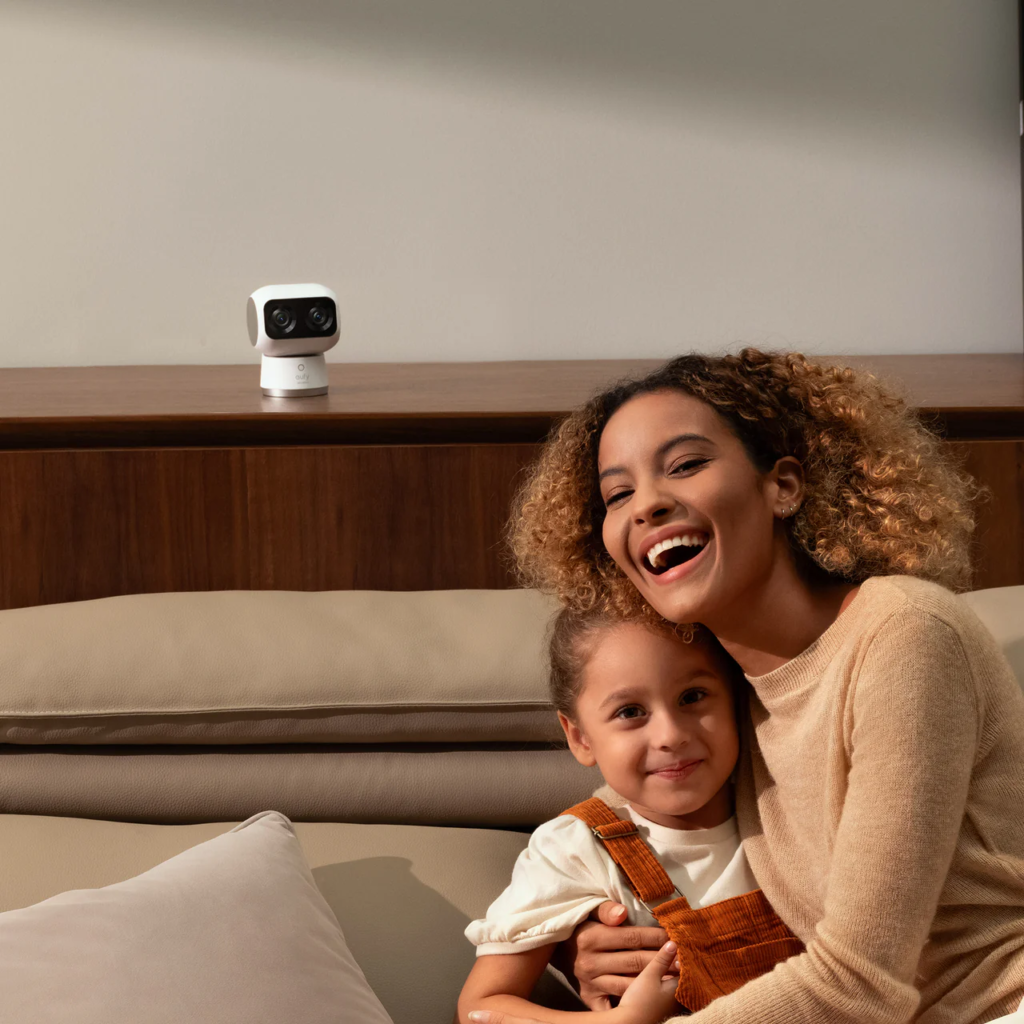
For a wide living room, shared family space, or home where a single fixed view would miss key movement, eufy Indoor Cam S350 is more fit. Its dual-camera setup pairs a 4K wide-angle lens with a 2K telephoto for broad room coverage and 8x hybrid zoom detail. Human/Pet/Crying Detection, AI tracking, and up to four preset positions let the camera focus on an entryway during the day, shift to a pet zone during work hours, and switch to Privacy Mode in the evening, all from the app.
For 4K detail, 360° viewing, human and pet alerts, two-way audio, and night vision in a smaller space, eufy Indoor Cam E30 is a practical choice. Its on-device AI covers motion, human, pet, audio, and crying detection. A built-in spotlight lets the camera switch between color night vision and infrared night vision, and doubles as a deterrent.
Still deciding? The eufy Indoor Security Camera collection is a better starting point than picking a spec first. For a look across both indoor and outdoor options, the eufy security camera collection covers the full range.
A simple setup checklist
Use this in the first week after installation.
- Name the job of the camera. Pet behavior, after-school arrival, senior hallway monitoring, or quiet-hour coverage.
- Place it in a shared area. Aim at paths, doors, or behavior zones; avoid private spaces.
- Start with person and pet detection, not all motion. Use object-specific detection where supported.
- Create smaller zones. Exclude TVs, windows, fans, and routine pet paths from alert-heavy areas.
- Separate recording from notifications. Some events are worth saving but not worth a push alert.
- Remove alert rules you consistently ignore. If you swipe away the same alert three days in a row, the rule is too broad.
The best setup improves over a few real mornings and overnight tests, not on day one.
Conclusion
Indoor camera alerts work best when the settings match real household priorities. Pets, kids, seniors, and quiet hours each need different rules, and the same camera can handle all four when placement, zones, detection type, and schedules are tuned to the room and the event. The goal is confidence about a few key moments, not a running commentary on everyday family life.
People Also Read: Creating a Year-in-Review Video to Celebrate Personal Growth

I am Adil! an Passionate Digital Strategist with Expertise in SEO, Content Marketing, and Online Branding.